

Hetzner Cloud
Hetzner Cloud servers, ready for your apps
Paste one API token and create Hetzner Cloud servers from Vimonto Deploy, provisioned for PHP or Node.js. The same token manages the DNS of your domains, and Hetzner Object Storage can hold your backups.
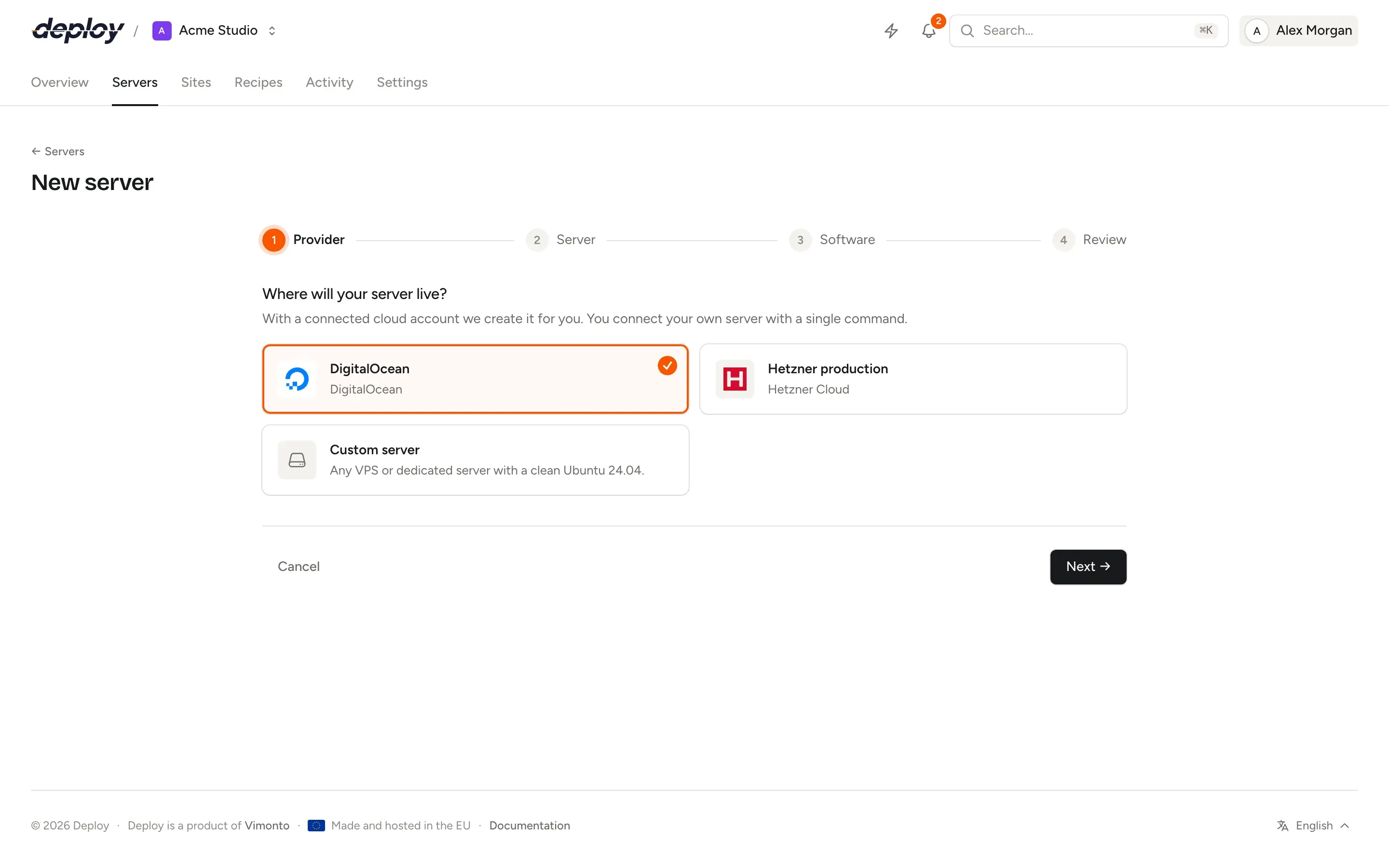
Connect once, create servers in one go
- 1
Create an API token
In the Hetzner Cloud Console, open your project, go to Security → API tokens and generate a token with Read & Write.
- 2
Paste it in Vimonto Deploy
Under Settings → Integrations. The token is checked against Hetzner's API before it is saved, and stored encrypted.
- 3
Create a server
Choose a location and a size: the list comes live from Hetzner, with Hetzner's own prices. The server is created on Ubuntu 24.04 and provisioned.
Regions, sizes and prices, live from Hetzner
The New server wizard lists what Hetzner can create in the region you pick right now, with the price per month Hetzner charges you.
One token, three jobs
Servers
Cloud servers in Germany, Finland, the US and Singapore, for every role: app, web, worker, database, cache, Meilisearch or load balancer.
DNS
Domains in your Hetzner account point to their server by themselves: you see which records change, confirm, and HTTPS follows.
Backups
Keep scheduled database backups in Hetzner Object Storage, in Falkenstein, Nuremberg or Helsinki, with S3 keys that never reach your server.
Your project, your bill
A Hetzner token belongs to one project, and servers are created in that project. You can connect several projects, for example one per client, and Hetzner bills each of them directly. Vimonto Deploy charges nothing per server.
Private networks connect a separate database or cache server to your app servers over private addresses, and the firewall only opens their ports to that network.
Hetzner Cloud questions
Why does creating a server say the token needs write permissions?
A read-only token passes the check, because the check only reads your servers. Create the token with Read & Write, then change it under Integrations.
Can I use a Hetzner dedicated server?
Yes, as a custom VPS: install a clean Ubuntu 24.04 and run the connect command on it. It is then provisioned like any other server.
My domains are at Cloudflare. Does that work?
Yes. Connect both: Hetzner for the servers, Cloudflare for the DNS. Vimonto Deploy uses whichever account manages the domain's zone.
Related pages
- LaravelZero-downtime Laravel deploys, with Horizon, Reverb, Pulse, queues and the scheduler a switch away.
- ServersProvisioning for every role: app, web, worker, database, cache, search and load balancer servers.
- Databases and backupsMySQL, MariaDB or PostgreSQL, database users and scheduled backups to your own bucket.
Your next deploy could be live before your coffee is.
Create an organization, connect a server and push. That is all.