

Made and hosted in the EU
AIBuilt in: explains what failed and how to fix itVimonto Deploy: Server management for PHP and JavaScript applications made easy.
Vimonto Deploy sets up servers in your own cloud account and ships your code to them without downtime. No Nginx configs, no deploy scripts, no 2 a.m. SSH sessions.
Free for 1 server and 3 sites. Premium is €15 or $17 per month per organization. VAT may be added. 7-day free trial, no credit card required.
Works with your cloud and your Git host
- Hetzner Cloud
- DigitalOcean
- Vultr
- Akamai
- Amazon Web Services
- Google Cloud
- Cloudflare
- GitHub
- GitLab
- Bitbucket
- Amazon S3
- Scaleway
- OVHcloud
How it works
From an empty account to a live site
Three steps, and the clock rarely gets past three minutes.
- 1
Connect your cloud
Connect Hetzner Cloud, DigitalOcean, Vultr, Akamai, AWS or Google Cloud, or run one command on any Ubuntu 24.04 VPS. The servers stay in your account.
- 2
Create a server
Pick a size and a role. Provisioning installs Nginx, PHP, your database, Redis and Supervisor, secures the box and turns on security updates.
- 3
Push to deploy
Connect GitHub, GitLab or Bitbucket and choose a repository. Every push builds a new release and switches over only when every step succeeded.
Features
Everything to run your apps on your own servers
One platform for servers, sites, domains, databases, backups and the team that runs them.
Zero-downtime deploys
Every deploy builds a fresh release next to the live one and swaps a symlink when it is ready. A failed build changes nothing, and a staging site per branch tries it first.
Provisioning for every role
App, web, worker, database, cache, Meilisearch or load balancer servers. MySQL, MariaDB or PostgreSQL, several PHP versions side by side.
Domains that point themselves
Add a domain and see exactly which DNS records will change at Cloudflare or your cloud provider. Confirm, and HTTPS follows by itself.
Free SSL certificates
Let's Encrypt certificates requested and renewed for you, including wildcards. Or upload your own.
Laravel, switched on
Horizon, Reverb, Pulse, Inertia SSR, Nightwatch and the scheduler are one switch each: processes, cron, Nginx and .env are handled.
Monitoring and alerts
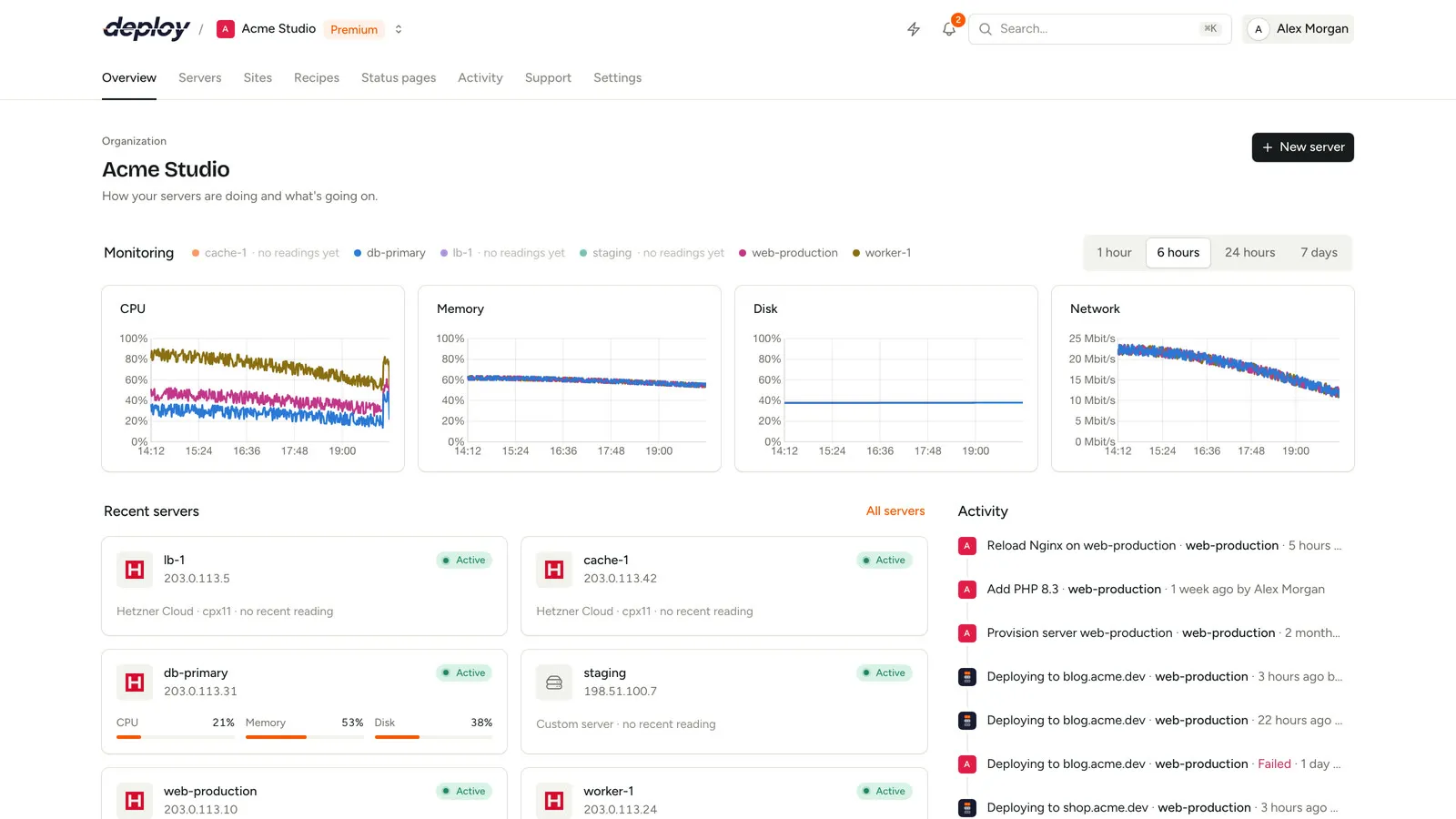
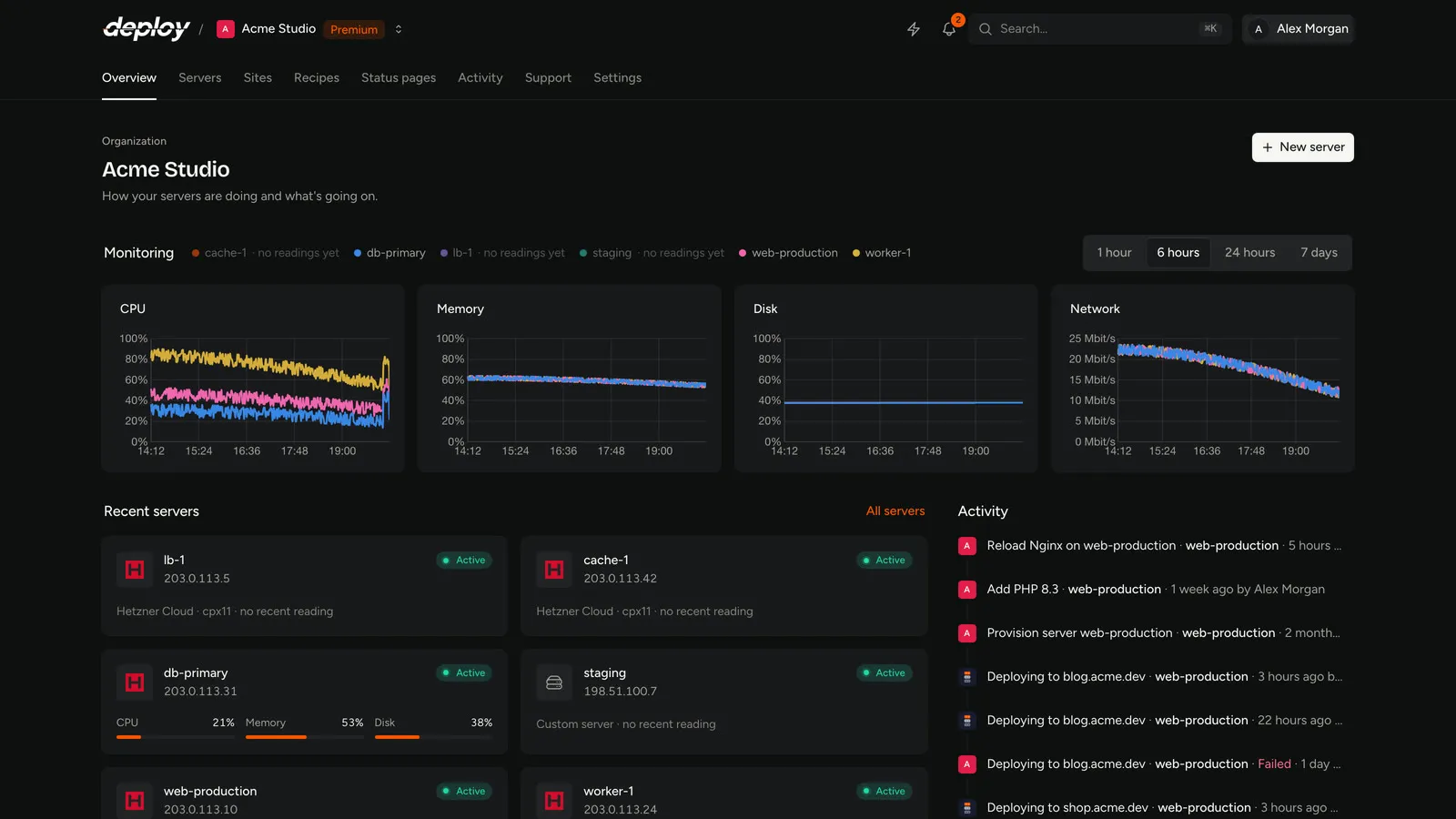
CPU, memory, disk and load every minute, alerts when a threshold holds and AI to find their cause, uptime checks for every site and public status pages for your customers.
Backups to your own bucket
Scheduled database backups to S3, Hetzner, DigitalOcean Spaces, Scaleway, OVH or R2. Storage keys never reach your server.
A terminal in your browser
Open a shell on any server without handing out SSH keys. Access follows your roles and every session is recorded in the activity log.
Teams, roles and audit log
Owners, admins, managers, developers and viewers. Limit people to the servers of their team and see who changed what, and when.
API, CLI and AI assistants
Everything you click is in the REST API. Deploy from CI with the deploy CLI, or let Claude, Cursor or VS Code deploy through the built-in MCP server.
Load balancing
Put a load balancer in front of your web servers with weights, backups and private networking. Client IPs and HTTPS are passed on correctly.
Bring your servers along
Import servers from another control panel in place: sites, certificates, workers, cron jobs, databases and deploy scripts come along and nothing is rebuilt. A dry run with an AI review shows the plan first.
Deployments
Deploys you stop thinking about
Push to your branch, or call a deploy URL from CI. Vimonto Deploy builds the release, runs your script, links shared storage and .env, and switches over atomically.
- Builds run next to the live release, never in it
- Your first deploy fills .env from .env.example
- Notifications by email or webhook when a deploy fails
- Every .env change kept, restore any of the last 50
$ deploy deploy shop.example.com --watch✓ Deploying shop.example.com (main) on web-ams-1.→ Cloning 4f2a91c into releases/20261007142301→ composer install --no-dev --optimize-autoloader→ npm ci && npm run build→ Linking shared .env and storage→ php artisan migrate --force→ Switching current → 20261007142301→ Restarting queue workers✓ Deployed in 41sAIBuilt into every plan
A second pair of eyes on every server
When a deploy fails, an alarm goes off or a log fills up, AI reads it with you and says what happened and what to do next. It suggests; you decide.
- Secrets are redacted before anything is sent
- Your .env is never sent
- AI never changes anything on its own
Every plan includes monthly AI credits, and extra packs never expire.
→ npm run buildsh: 1: vite: not found✗ exit code 127What went wrongAI
The deploy script builds the assets before the npm packages are installed, so Vite cannot be found. Install them first.
composer install --no-dev+ npm ci npm run buildFailed deploys, explained
The cause in plain language and the likely fixes, read from the log. One click writes the fix into your deploy script, for you to review.
Logs and traffic, read for you
Explain any log, or find slow endpoints, error spikes and bot load in your access log. Only figures are sent, never visitor IPs.
Alarms, diagnosed
When a monitor goes off, AI looks at the server with read-only checks and tells you why. Capacity advice says if a server is too big, right or nearly full.
Write it for me
Describe what you need and get a draft recipe, deploy script, cron command, Nginx config, redirect or incident update. Nothing is saved until you save it.
Ask about your servers
Ask AI in the ⌘K search, like “Which sites still run PHP 8.1?”. It can propose a deploy or a backup, which only starts when you confirm.
Reviews and summaries
A weekly review of your servers by email, a summary of what each deploy changed, and which vulnerable packages to fix first.
European by default
Your servers, your data, in the EU
Vimonto Deploy is made by Vimonto in the Netherlands and runs on European infrastructure. Your apps run on servers in your own cloud account, in the region you choose, and you pay your provider directly.
- GDPR-friendly by design
- No lock-in: servers stay yours
- Interface in five languages
Pricing
Every feature, on every plan.
Start free with 1 server and 3 sites. Premium removes every limit, at one price for your whole organization.
See pricing detailsPremium
Most popular€15per month
Unlimited servers, sites and members. 7-day free trial, no credit card required.
Start deployingAIAI credits included: 50 a month on Free, 300 on Premium.
VAT may be added, per organization · You pay your cloud provider for your servers directly.
FAQ
Questions, answered
What is Vimonto Deploy?
Vimonto Deploy is a server management and deployment platform. It creates and provisions servers in your own cloud account or on any Ubuntu VPS, and deploys PHP and JavaScript apps to them with zero downtime.
Can I bring servers over from another control panel?
Yes. Import your servers in place: sites, certificates, workers, cron jobs, databases and deploy scripts come along, and nothing is rebuilt.
How much does it cost?
Vimonto Deploy is free for 1 server and 3 sites, with every feature. Premium costs €15 or $17 per month per organization, plus VAT where applicable, with unlimited servers, sites and members. Your servers are billed by your cloud provider.
What does the AI do, and what does it see?
It explains failed deploys and tasks, logs and alarms, advises on server sizes and drafts scripts and configuration from a description. Only what a feature needs is sent, with secrets redacted first. Your .env is never sent, and AI never changes anything on its own. Every plan includes monthly AI credits.
Which cloud providers are supported?
Hetzner Cloud, DigitalOcean, Vultr, Akamai (Linode), Amazon Web Services (EC2) and Google Cloud (Compute Engine) for creating servers, Cloudflare for DNS, and any VPS or dedicated server running a clean Ubuntu 24.04.
Which frameworks can I deploy?
Laravel, Symfony, Statamic, WordPress, plain PHP, Next.js, Nuxt and static HTML, from GitHub, GitLab (including self-hosted) or Bitbucket.
Where is my data stored?
Vimonto Deploy is made and hosted in the EU. Your apps and their data live on your own servers, in the provider and region you choose.
Can I really deploy in three minutes?
Connecting a provider takes seconds and a site deploys in under a minute. Most of the rest is your cloud provider booting the server and provisioning installing the software, usually a few minutes in total.
Your next deploy could be live before your coffee is.
Create an organization, connect a server and push. That is all.