

Vultr
Vultr servers, ready for your apps
Connect your Vultr account with an API key and create cloud compute servers, provisioned for PHP or Node.js, in one go. Pick from Vultr's live list of locations and plans, and let the same key manage the DNS of your domains.
Connect once, create servers in one go
- 1
Enable the API
In the Vultr dashboard, open Account → API and enable it. Under Access Control, add the IP addresses of Vimonto Deploy.
- 2
Paste the API key
Under Settings → Integrations. The key is checked against Vultr's API before it is saved, and stored encrypted.
- 3
Create a server
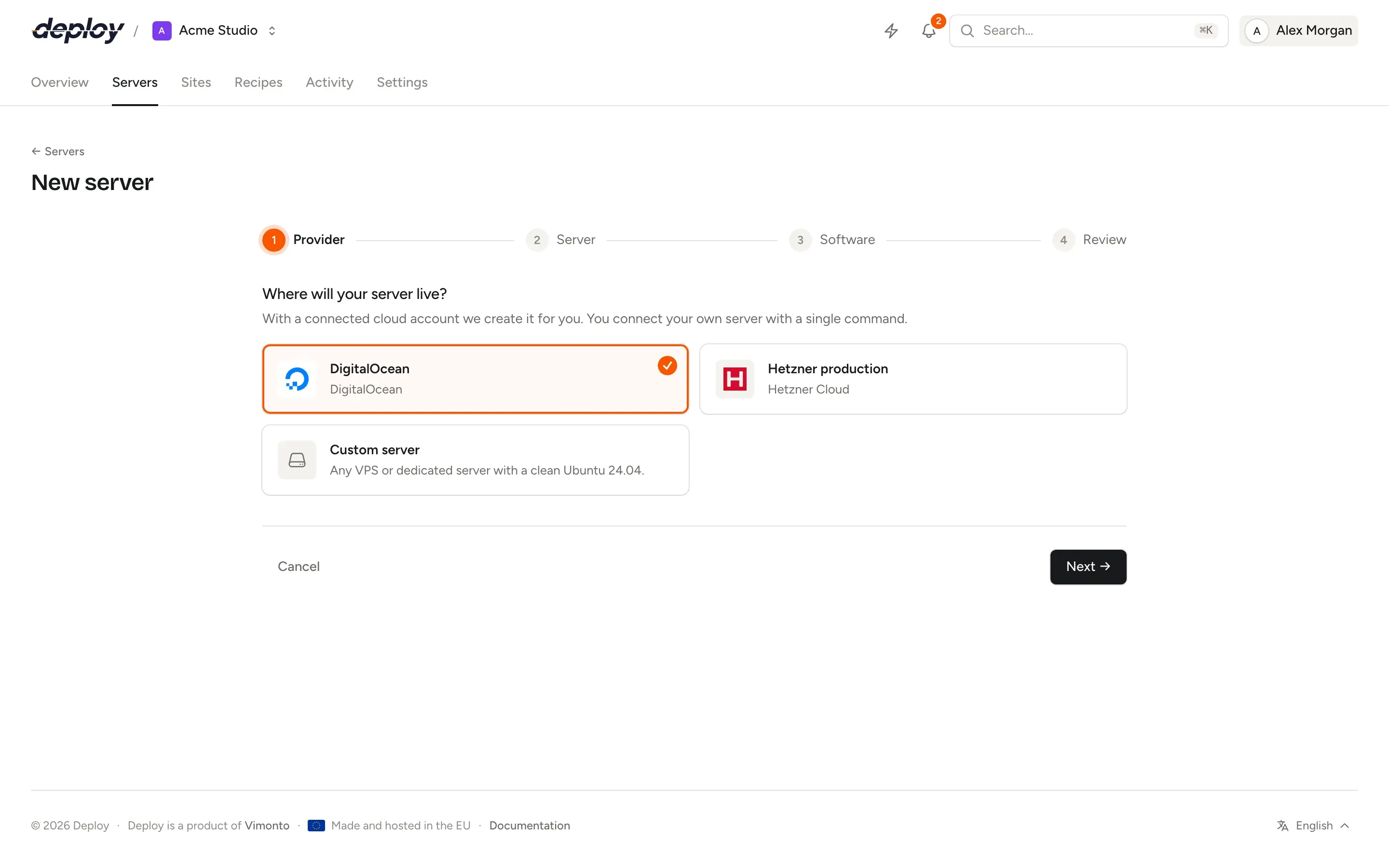
Choose a location and a plan, live from Vultr with its own prices. The server is created on Ubuntu 24.04 and provisioned for your apps.
Locations and plans, live from Vultr
Type a city or country to find a location. The table lists the plans Vultr can create there right now, with CPU, memory, disk and the price per month and per hour, so what you see is what Vultr bills.
What one Vultr key covers
Cloud compute
Servers for every role: app, web, worker, database, cache, Meilisearch or load balancer, each with a firewall and automatic security updates.
VPC networks
Join an existing VPC in the location or let Vimonto Deploy create one with a free address range. Your app servers reach the database over private addresses.
DNS
Domains in your Vultr account get their A and
wwwrecords set for you when you add them to a site, and HTTPS is requested once they resolve.
Backups and billing
Database backups go to an S3-compatible bucket you own: Amazon S3, Hetzner Object Storage, DigitalOcean Spaces, Cloudflare R2, or any other S3-compatible storage where you enter the endpoint yourself.
Servers are created in your own Vultr account and billed by Vultr; see Vultr's pricing. Vimonto Deploy charges nothing per server.
Vultr questions
Vultr says the key is not allowed to do something. Why?
Vultr only accepts API calls from addresses on the key's access list. Check that the addresses of Vimonto Deploy are on it, and that the key can write. Then choose Test connection.
Which operating system do Vultr servers get?
Ubuntu 24.04 LTS (x64), with automatic security updates. Every server is provisioned the same way, whichever provider you use.
Can I use a Vultr bare metal server?
Yes, as a custom VPS: install a clean Ubuntu 24.04 and run the connect command on it. It is then provisioned like any other server.
What does it cost?
The free plan covers 1 server and 3 sites with every feature. Premium is €15 per month per organization, without limits. Vimonto Deploy charges nothing per server: your provider bills the server directly.
Related pages
- ServersProvisioning for every role: app, web, worker, database, cache, search and load balancer servers.
- PHPPlain PHP apps with several PHP versions side by side and tunable PHP-FPM settings.
- LaravelZero-downtime Laravel deploys, with Horizon, Reverb, Pulse, queues and the scheduler a switch away.
- DigitalOceanDroplets in Amsterdam, Frankfurt, London and worldwide, with DNS and Spaces backups.
Your next deploy could be live before your coffee is.
Create an organization, connect a server and push. That is all.